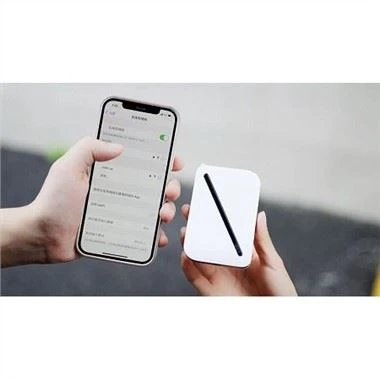
When surfing the Internet, plug the external network cable into the Ethernet port of the portable router (the other end of the network cable needs to be connected to the network port socket), and then plug it into the power socket, and the entire room is already covered by Wi-Fi wireless. At this time, you may take out your mobile phone, Pad, or any other device that supports Wi-Fi wireless Internet access, and surf the Internet wirelessly anywhere in the room, generally without any settings.
When connecting to the Internet, turn on the wireless network of the laptop, search for the signal, find the signal of your router, double-click it, and the input password box will pop up. Then open the Internet browser and enter the address of the router to enter the management interface. The available Internet access modes include 3G and LAN mode. When using 3G, you can choose Telecom, China Unicom or Mobile. If you use the LAN mode, the home is ADSl to access the Internet, select pppoe, and finally enter the Internet account and password to save, and then you can achieve normal Internet access!
When the portable router cannot search for information, the solution is to turn on the wireless function of the computer. Under normal circumstances, there will be corresponding prompts on the keyboard. Also make sure that the portable router is powered on properly.
Portable routers have a limited signal range. Try to surf the Internet as close to the router as possible. At the same time, it is best not to place objects that are prone to interference, such as mobile phones and microwave ovens. Place the portable router in the center of the house for better network coverage.
In order to maintain normal communication needs, make sure that the IP address of the portable router and the IP of the networked device are in the same network segment. For the setting method of the IP address of the portable router, enter the setting address of the router in IE, such as: 192.168.100.1, enter the router management interface, click the basic setting, enter the IP address setting menu to set, and save the setting after completion. Return to the system status menu, and then perform the dialing operation.